

Is there a quality difference between raw and compressed raw?
Tuesday 3 March 2026, 16:16 by Nando Harmsen | 1,958 views | 0 commentsThis article was translated from Dutch with the help of AI. Read the original.
In most cameras, you can choose between jpeg and raw file formats, but also between raw and compressed raw. The latter has a smaller file size, so more photos fit on your memory card. But what about the quality?
A raw file contains all the sensor information, allowing you to make maximum use of the camera's capabilities. A raw file is therefore much larger and needs more space on your memory card.
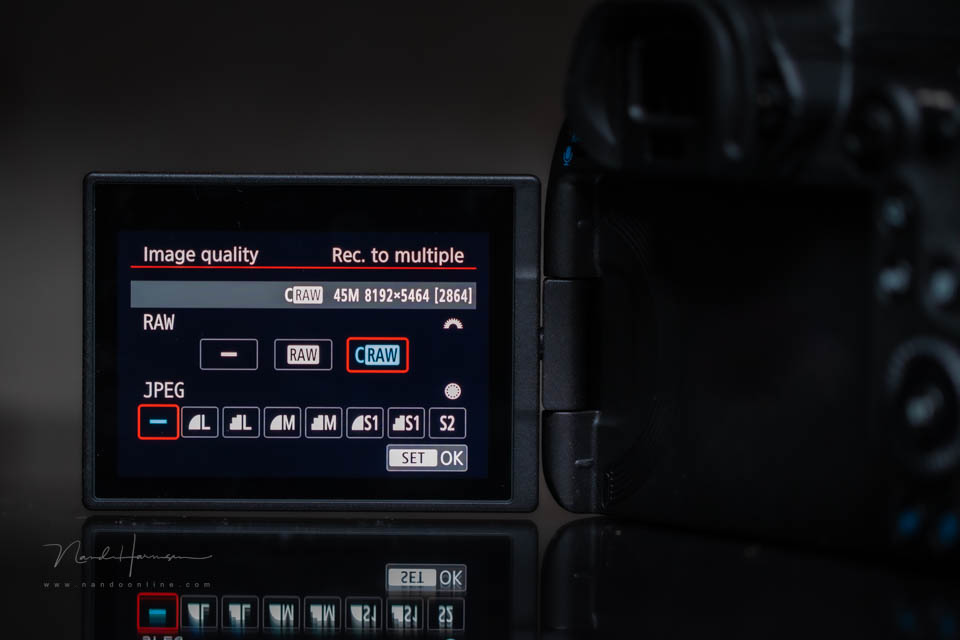
The data in a raw file can also be compressed. This means it needs less storage space. So more photos will fit on your memory card. This difference in storage space can be enormous.
For example, an uncompressed raw file from the Canon EOS R5 is between 35 MB and 60 MB in size. This difference is due to the amount of detail in the photo and the ISO setting used. A compressed raw file (craw) is between 17 MB and 30 MB.
With Canon, the choice is simple. You either choose uncompressed or compressed. The first is a raw file, the second a craw file. With other camera brands, you can sometimes also choose lossy or lossless compression.
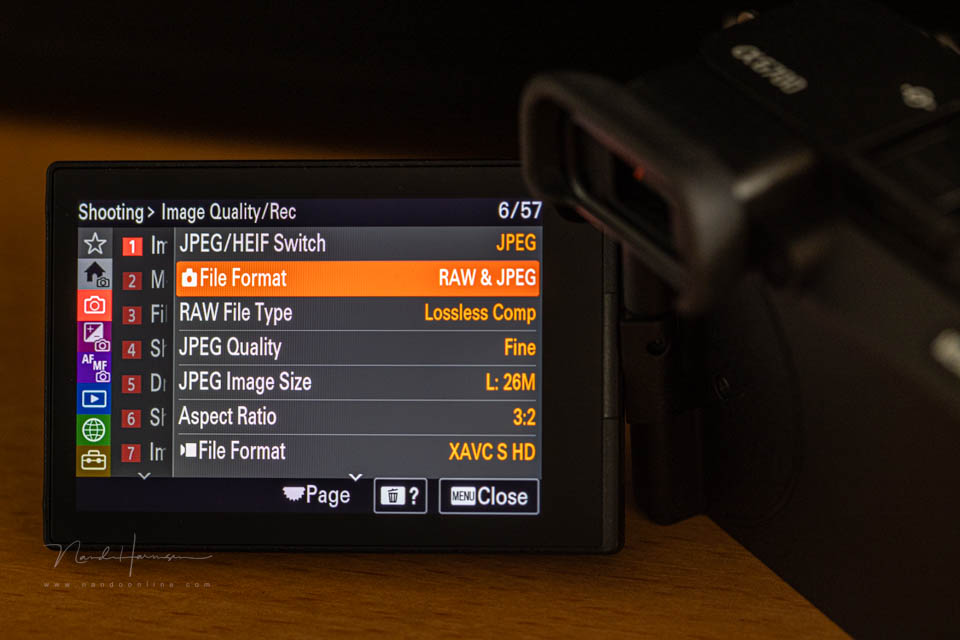
The difference between lossy and lossless is that, in the first case, data is 'discarded' to compress it. In the second case, lossless means that no data is 'discarded'. Lossless compression requires more processing power.
The question is, does a compressed raw file have lower quality than an uncompressed raw file? The answer is simply: no. Or rather, if there is any loss of quality, it will not be visible.
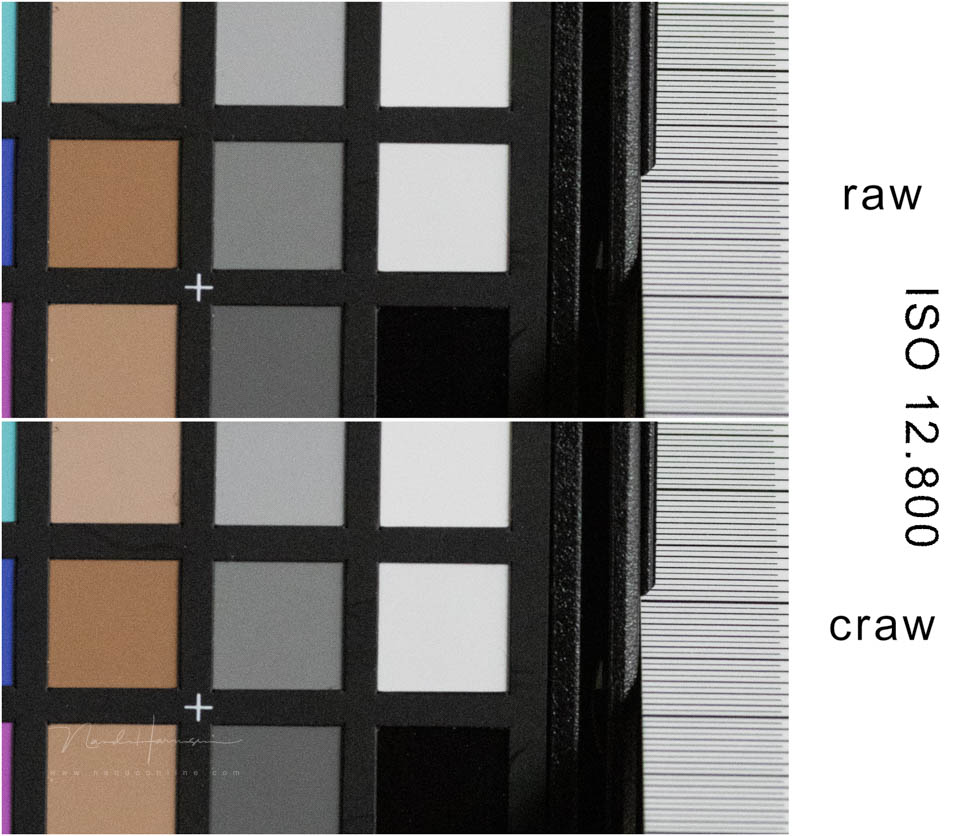
The photo above shows the difference between an unedited raw and craw file at a high ISO setting. If there is no visible difference at this ISO setting, you can be sure that this will also be the case at lower ISO settings.
The next photo shows the difference in a shot taken at ISO6400 that is four stops underexposed, then corrected in Lightroom Classic. No difference between raw and craw can be seen. Lower ISO settings show the same result.
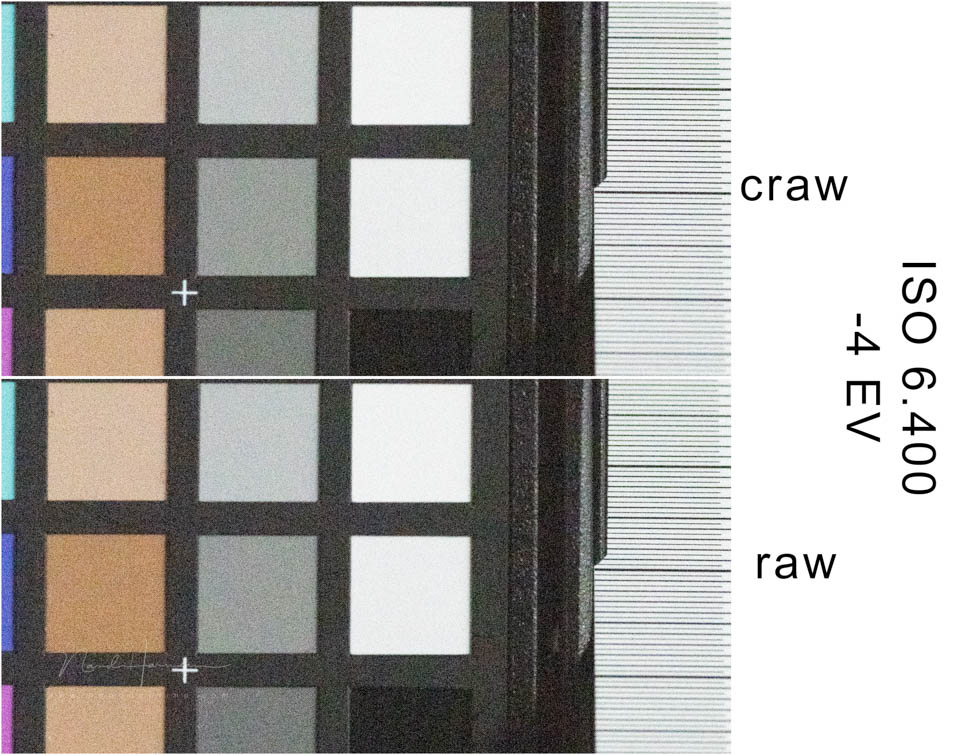
These examples are from the Canon EOS R5. I assume that with other cameras too, the difference between uncompressed and compressed raw will not be visible. Not even between lossy and lossless compressed files.
The best thing is to test this yourself with your own camera to convince yourself. Put your camera on a tripod and take photos using the different raw files your camera offers. Do this at low and high ISO settings and compare them at 100% view.
Repeat this with underexposure too. For example, three or four stops, which you then correct in your photo editing software to the correct exposure. Do this at low and high ISO settings as well and compare them.
This will also help you get to know your camera better. Not only the difference between the various raw images, but also how much noise you get at high ISO settings. And what effect correcting underexposure has on quality.
About the author
Nando Harmsen has been photographing for more than 40 years. He specialises in wedding photography and landscape photography. Nando also gives talks, workshops, masterclasses and photo trips, and regularly reviews new and interesting equipment.
You might also like
-
 Make a raw file 90% smaller with lossy DNG
by Nando Harmsen
-
 Is there a reason to save both raw and jpeg?
by Nando Harmsen
-
 Keep an overview: don't make JPEGs of your RAW files
by Nando Harmsen
-
 Everyone photographs in raw, there are no exceptions
by Nando Harmsen
-
 When is a RAW file proof of ownership?
by Michelle Peeters
-
 10 tips for photographers who prefer shooting JPEG
by Nando Harmsen
0 comments
Be the first to share what you think!
Have your say
Please note: Articles older than a week can only be commented on by signed-in visitors.Would you still like to comment? sign in or create a free account.
Become a better photographer every week
A practical photography tip in your inbox every week.
38,937 photography enthusiasts already receive the tips! More about the weekly mail. Or keep up to date via  Facebook.

Elja Trum
Photofacts; everything to do with photography!
Would you like to take better photos and keep up with what is happening in photography? Photofacts publishes articles that teach you something about photography — from a product announcement to a practical shooting tip or a look at a website. Photofacts covers photography every day and is a hobby project of Elja Trum's that got out of hand. The articles are written by a team of volunteer authors. If you would enjoy writing one or more articles for Photofacts, do get in touch.More about PhotofactsPhotofacts is made possible in part by
