

Six benefits of live view when photographing from a tripod
Monday 6 July 2020, 20:02 by Nando Harmsen | 9,046 views | 12 commentsThis article was translated from Dutch with the help of AI. Read the original.
When you take photographs, you naturally prefer to look through the viewfinder. It does not matter whether you have a DSLR or a mirrorless camera. Even if you have a compact camera with a good viewfinder, looking through it is pleasant.
A viewfinder, whether it is an optical viewfinder or an electronic viewfinder, makes it easier to get your subject in the frame, and especially to keep it there. You can then see the camera as an extension of your eyes, the camera is "looking" in the same direction.
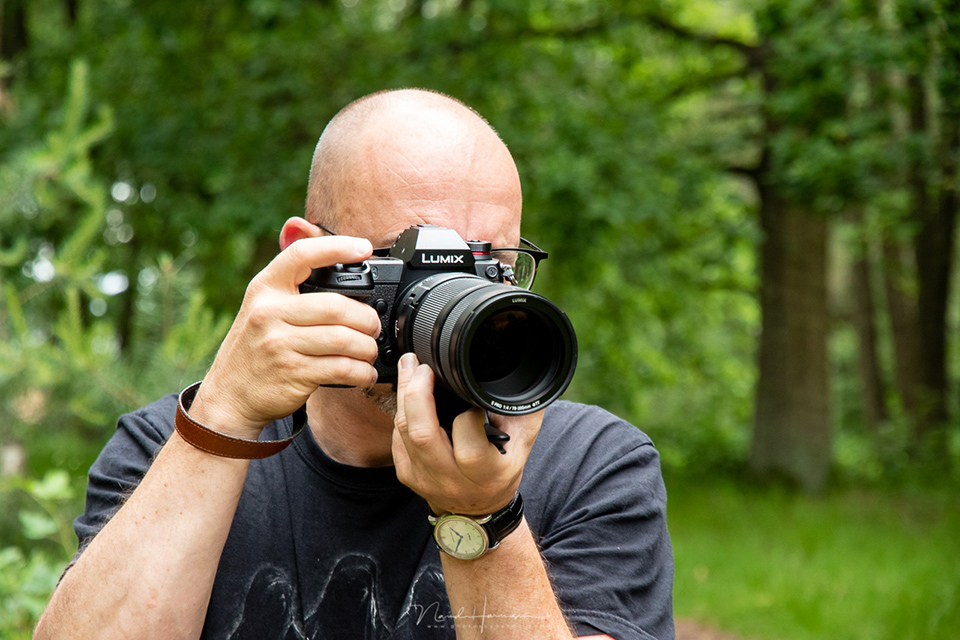
When photographing from a tripod, a viewfinder can work well for aiming the camera at your subject. Once you have done that, switch to the image on your camera's LCD screen. For a mirrorless camera user, this will happen automatically when you move your eye away from the electronic viewfinder.
For a DSLR user, it is simply a matter of pressing a button to use the live view function. The mirror flips up, and your camera is, as it were, transformed into a mirrorless camera. That is why I always jokingly call it "the mirrorless function of the DSLR".
There are many advantages to using the LCD screen when photographing from a tripod. I have collected six benefits, two of which apply only to a DSLR camera. Unfortunately, those two extra benefits do not apply to mirrorless camera users.
1. You can keep in touch with your subject more easily
When you peer through a viewfinder, you see the world in a small, confined frame. You do not see anything outside it, or what is there. In a sense, you lose contact with your surroundings. When you look at an LCD screen, the world around you remains present, even if you see it out of the corner of your eye.
This naturally applies to landscapes, but also to other forms of photography. Even in the studio, this can make the difference between having contact with your model and having less contact with your model.
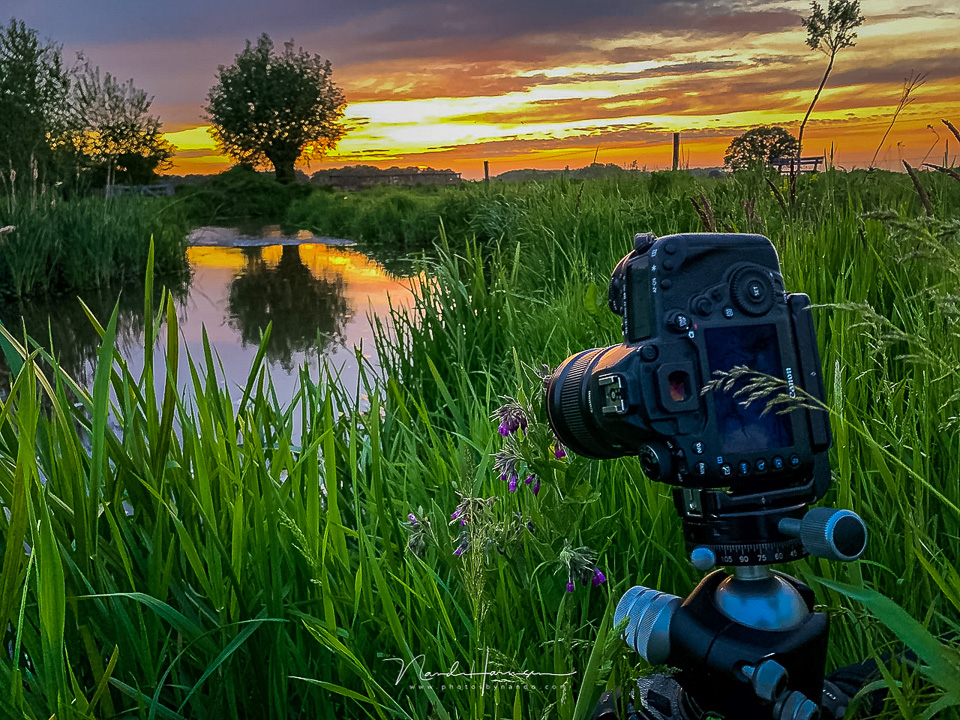
2. You can check the exposure immediately.
The image on your LCD screen can simulate the exposure. This means you can immediately see whether your photo is overexposed or underexposed, and whether your exposure compensation provides the desired exposure. You can also see your camera's film simulations and presets. You do need to have exposure simulation enabled in the menu. Otherwise, it will not work.
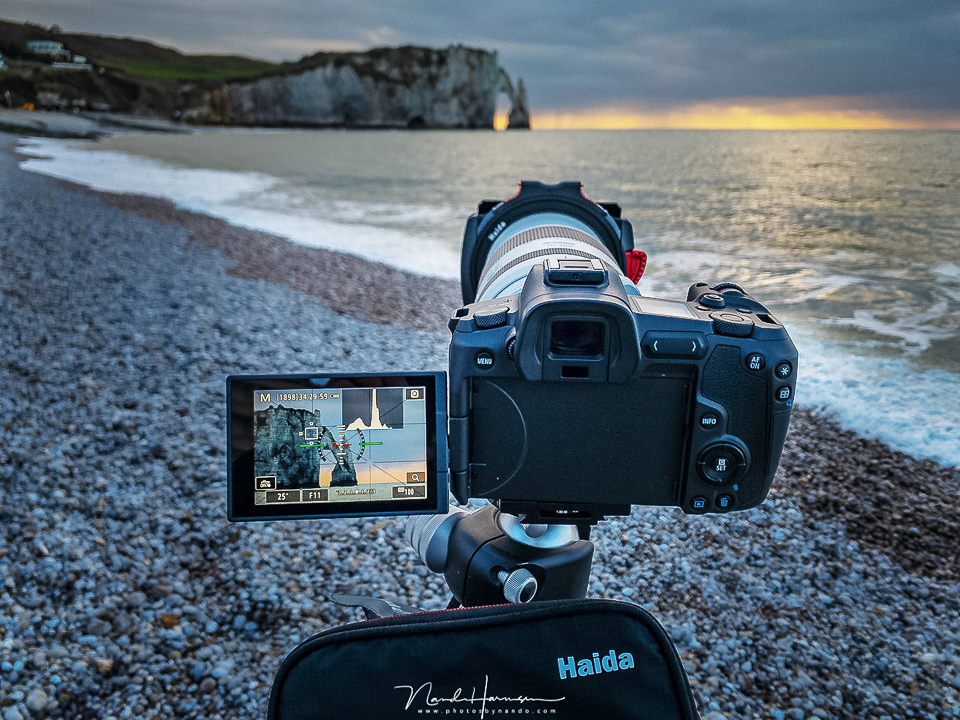
3. Manual focusing becomes very accurate.
Although autofocus can work quickly and accurately, there are situations where you would rather keep control in your own hands. For example, when photographing through a foreground. With live view, you can enlarge the image several times, usually up to 10x magnification. This makes it very easy to focus on the right point.
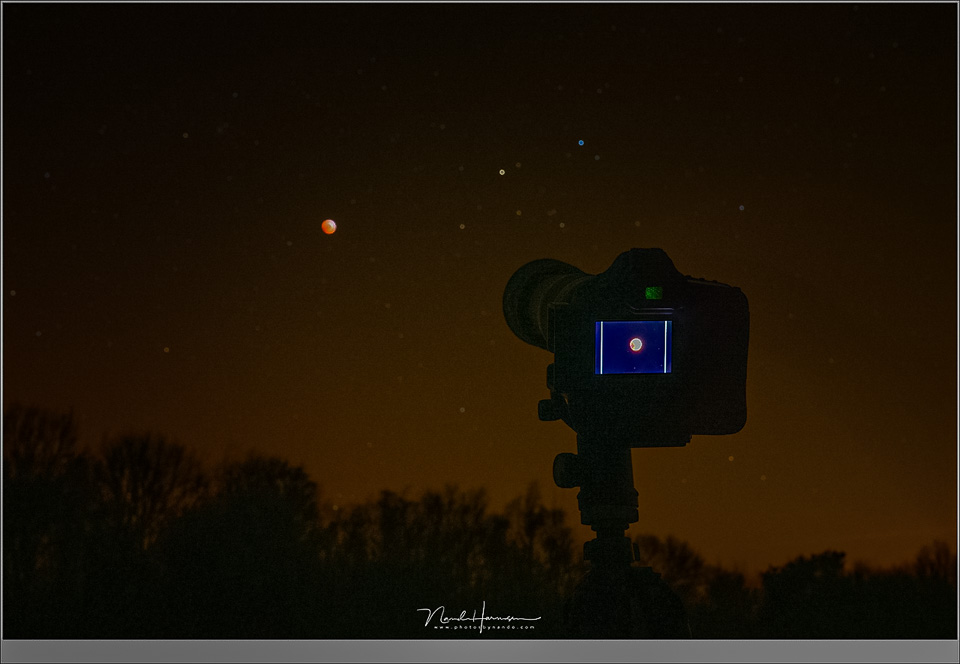
This method is also very useful when autofocus does not work properly, such as with low contrast, in astrophotography, and of course in macro photography. This way, you can be sure that your image is sharp. If you have a mirrorless camera, focus peaking can also help.
4. Using your touch screen works very well,
Does your camera have extensive touch screen functionality? Then it is very convenient to use when you are using the LCD screen. You can keep your eyes on the screen and operate the camera there, provided your camera offers enough touch screen functionality.
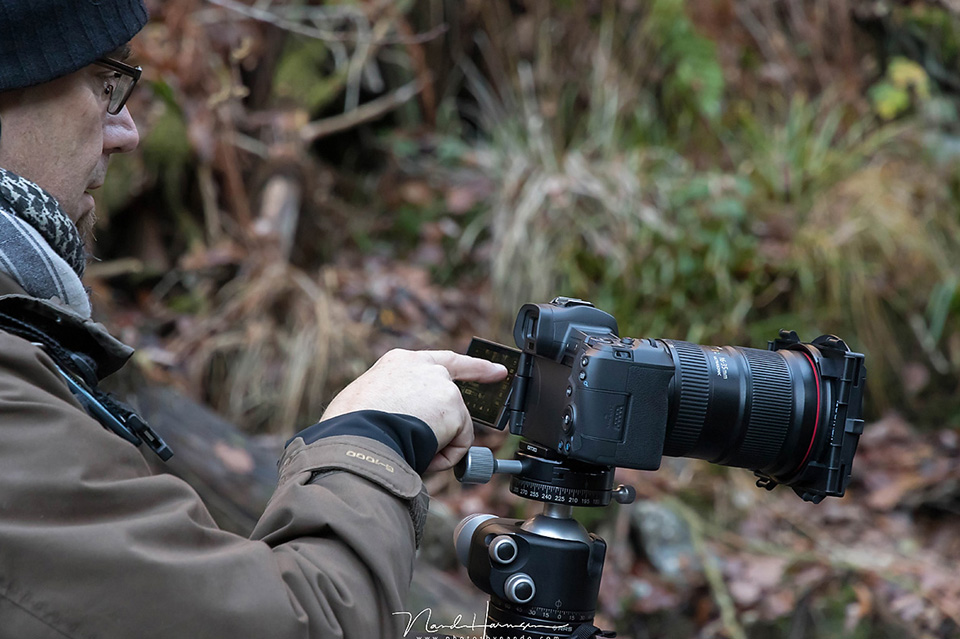
Not all cameras can be operated extensively using a touch screen. In those cases, you will still have to use the buttons for most things. Check your user manual if you are not sure exactly what is possible with your camera.
5. You can view the histogram.
By displaying the histogram on your LCD screen, you can immediately check whether your exposure is correct, without depending on the brightness of your screen or any ambient light. It works perfectly together with point 2, exposure simulation.
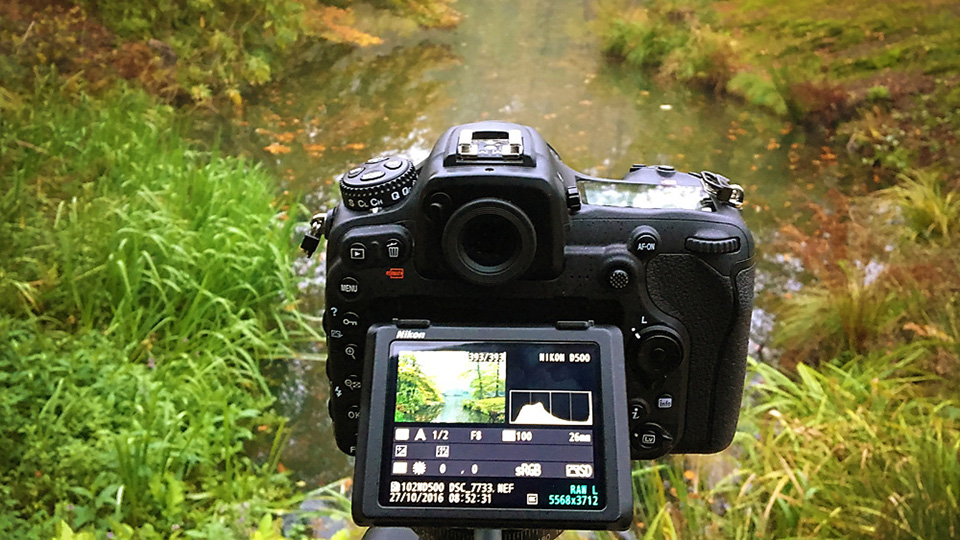
For mirrorless camera users, this is not a specific advantage, because in many cases the histogram can also be displayed in the viewfinder. You will need to check your user manual to see whether your mirrorless camera can do this.
6. You no longer need mirror lock-up.
With a DSLR camera, it is possible to raise the mirror first and then take a photo. You use this to prevent any vibrations caused by the movement of the mirror. This often applies to shutter speeds between 1/4 sec and 2 sec, and to macro photography, where the depth of field can be incredibly narrow.
Using live view raises the mirror automatically. Your DSLR becomes a mirrorless camera, as it were. This means you no longer need to raise the mirror manually, preventing possible vibration blur at slower shutter speeds.
A final word on this
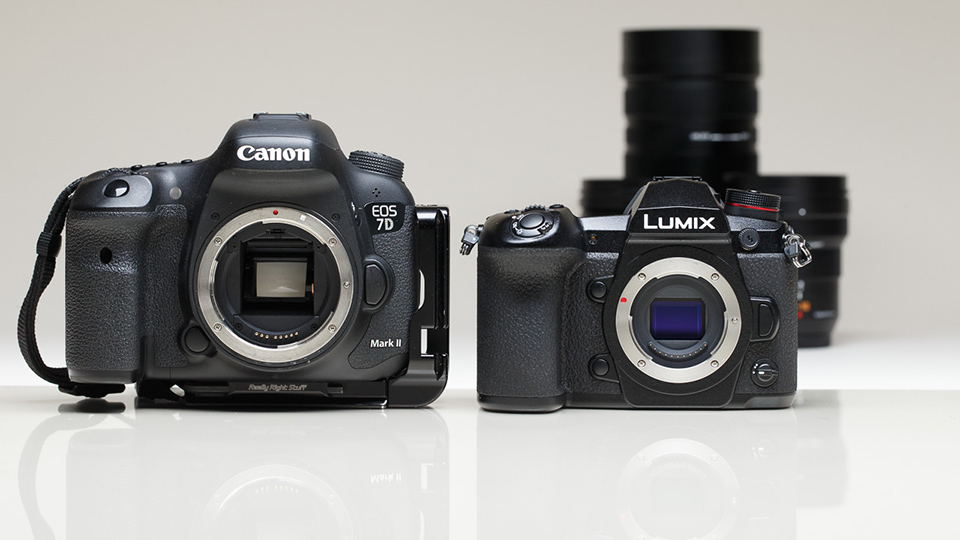
As mentioned, these benefits apply both to mirrorless camera users and DSLR users. Except for the last two benefits, because on a mirrorless camera the histogram can also be enabled in the electronic viewfinder, meaning that the histogram on the LCD screen offers no extra benefit, and as for raising the mirror... well, that speaks for itself.
However, the major advantage of a DSLR camera is the option to switch back to an optical viewfinder, because a mirrorless camera naturally does not have one, with a few exceptions. But whether you see this as an advantage will differ from photographer to photographer. It is a matter of taste.
In short, try using the LCD screen more often when photographing from a tripod, if you are not already doing so. I find it very pleasant to work this way, and perhaps you do too. I would love to hear about your own experiences with live view or using the LCD screen. Share your opinion below this article.
About the author
Nando Harmsen has been photographing for more than 40 years. He specialises in wedding photography and landscape photography. Nando also gives talks, workshops, masterclasses and photo trips, and regularly reviews new and interesting equipment.
You might also like
-
 Is a DSLR still a good choice in 2026?
by Nando Harmsen
-
 6 Reasons to Stick with a DSLR and One Reason Not To
by Nando Harmsen
-
 The DSLR is dead, long live the mirrorless camera!
by Elja Trum
-
 The battle between DSLRs and mirrorless cameras
by Michelle Peeters
-
 DSLR lenses are still perfect
by Nando Harmsen
-
 Choose DSLR lenses for your mirrorless camera
by Nando Harmsen
12 comments
-
 guest wrote on Tuesday 7 July 2020 at 11:32 | reply
Nice story. With Sony cameras, you don't have a flip-up mirror when switching between the viewfinder and the screen.
Translated from Dutch. -

-
 Bernie Benz wrote on Tuesday 7 July 2020 at 12:46 | reply
A nice article. I have a mirrorless camera (A7R III) and look through the viewfinder at eye level. Above and below shoulder height the tilting LCD screen and tripod. I could no longer do without the electronic viewfinder. Histogram, focus peaking, Zebra against overexposure, magnification, level. Always a well-exposed, and sharp photo in the place where you want it.
Translated from Dutch. -
 Peter Heins wrote on Tuesday 7 July 2020 at 13:48 | reply
Now for a few years, first the Canon M3 and the M5. Super handy , have already benefited from it a lot, especially in situations where you have to adjust the exposure. Now I see that immediately on the screen. Adjust settings directly until the exposure on it is what you have in mind. Saves a lot of post-processing. Always keep photographing in RAW though, I have already benefited a lot from that too.
Translated from Dutch. -
 Bart Telling wrote on Tuesday 7 July 2020 at 14:02 | reply
Yes, I usually use live view. The only downside is that with my Nikon D810 I have to change batteries a bit more often
Translated from Dutch. -
 Roland Van den Bossche wrote on Tuesday 7 July 2020 at 14:29 | reply
Dear Nando.
Translated from Dutch.
A very good article with lots of good tips, gives one food for thought.
I work with canon 6D mark 2 and apparently we can do more than we think !
rgds Roland
-

 Donald Willemsen
wrote on Tuesday 7 July 2020 at 15:05
| reply
Donald Willemsen
wrote on Tuesday 7 July 2020 at 15:05
| reply
Nando, the article above is clear and lucid. Excellent explanation. But as a well-known footballer once said: 'Every advantage has its disadvantage.' I would still like to mention one disadvantage of using the LCD screen. In very bright daylight outdoors, you often have poor visibility of the LCD screen. Even with a tilting screen, you have trouble with it. I know there are hoods that you can place on the screen to reduce incoming light, but that is not ideal. It doesn't detract at all from your excellent story, but I still wanted to bring it to your attention.
Translated from Dutch. -
Henk wrote on Tuesday 7 July 2020 at 15:05 | reply
Dear Nando.
Translated from Dutch.
Nice article.
I would also like to use this for, for example, portrait shots in a hobby studio. I use an external flash there at, for example, f 5.6 at 1/160 sec. On my Live View I now see no image. Of course, I can adjust everything to less existing light and then change it back again. Maybe a stupid question, if these exist, but can this be done differently? Camera Canon 70D and 90D. Regards Henk -
Nando
wrote on Tuesday 7 July 2020 at 15:48
| reply
Thank you for all your responses.
Translated from Dutch.
@Bart:
That's right. Your battery does indeed last less long. But a spare battery works wonders.
@Roland:
That's why knowing your camera is important too. It makes taking photos more enjoyable, and easier. Fortunately, you don't have to know it all at once.
@Henk:
I recognize the problem. This has to do with the shutter speed you use and the available light. With the flash this is fine, but without it, it isn't, which means you can see the underexposure.
By disabling the exposure simulation of your live view in the menu, you bypass this problem.
@Donald:
The ambient light can indeed be a nuisance. But by adjusting the brightness of your LCD screen to the amount of ambient light, you can compensate for a lot. Many cameras offer automatic adjustment of the LCD screen brightness, but sometimes manually setting the brightness is a better choice.
This does not mean that there are no situations in which the incoming light makes using live view impossible. Fortunately, we still have the viewfinder. -
guest wrote on Tuesday 7 July 2020 at 16:56 | reply
@Nando
Translated from Dutch.
By disabling the exposure simulation for your live view in the menu, you bypass this problem.
Great Nando, tested it right away, works. Happy Thanks!
 -
guest wrote on Wednesday 8 July 2020 at 11:43 | reply
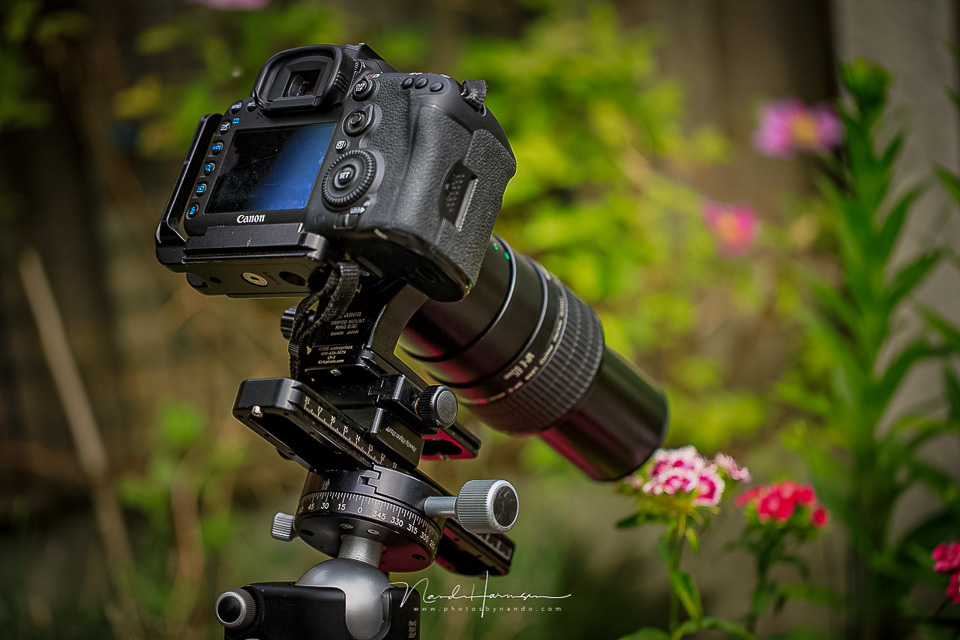
Hi Nando, great article. What I’m missing here is the great convenience of also using an L-plate when shooting from a tripod. It is shown in one of the photos in your article. In my opinion, this is an essential component so you no longer have to deal with tilting cameras in portrait orientation.
Translated from Dutch. -
Have your say
Please note: Articles older than a week can only be commented on by signed-in visitors.Would you still like to comment? sign in or create a free account.
Become a better photographer every week
A practical photography tip in your inbox every week.
39,021 photography enthusiasts already receive the tips! More about the weekly mail. Or keep up to date via  Facebook.

Elja Trum
Photofacts; everything to do with photography!
Would you like to take better photos and keep up with what is happening in photography? Photofacts publishes articles that teach you something about photography — from a product announcement to a practical shooting tip or a look at a website. Photofacts covers photography every day and is a hobby project of Elja Trum's that got out of hand. The articles are written by a team of volunteer authors. If you would enjoy writing one or more articles for Photofacts, do get in touch.More about PhotofactsPhotofacts is made possible in part by
