

Editing a Dog Photo in Lightroom Classic
Saturday 31 July 2021, 14:41 by Nando Harmsen | 8,064 views | 0 commentsThis article was translated from Dutch with the help of AI. Read the original.
Taking photos of dogs is fun. However, taking really good photos of dogs can be a challenge, which is why you can find a video course by Monica van der Maden on Photofacts Academy.
But how can you edit that photo well in Lightroom Classic? I explain that in this article with... a video.
If you have a pet and you're a photographer, that pet will undoubtedly be photographed a lot. Dog photography in particular can be a fantastic activity. At the same time, it can be very challenging to take beautiful photos of your dog. Or any other pet, for that matter.
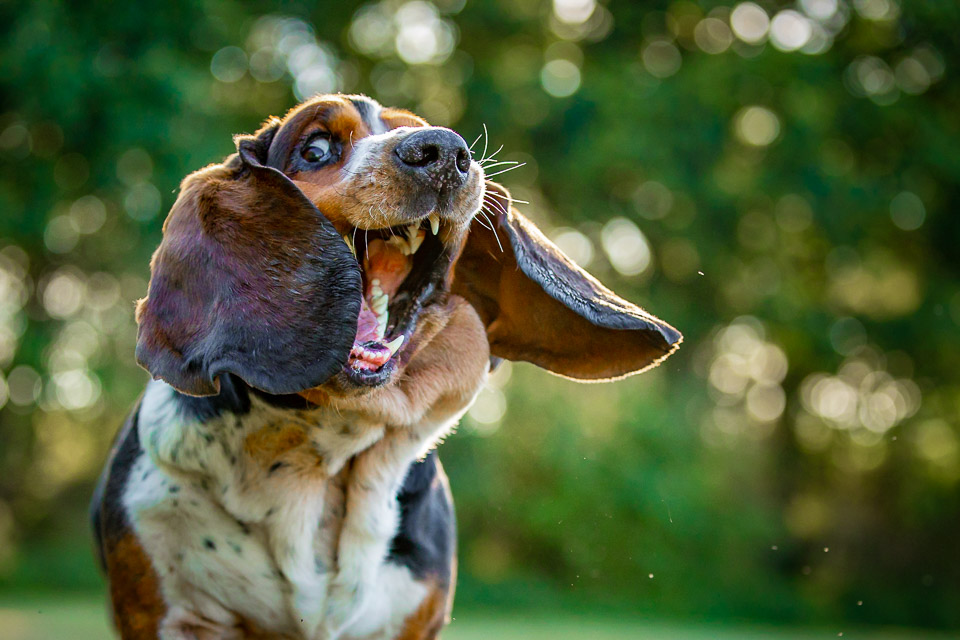
Photofacts Academy has a wonderful course on photographing your dogs. It enables you to capture your best friend in the best possible way.
After that, it's up to you to edit those photos into a fantastic final result in your favourite editing software.
How to edit a dog photo in Lightroom Classic
I received a question from Rik Janssens about editing dog photos: 'What's the best way to do this in Lightroom Classic?'
This is not a question that can be answered just like that. There are many different ways to edit a photo. Personal preference and taste also play a part.
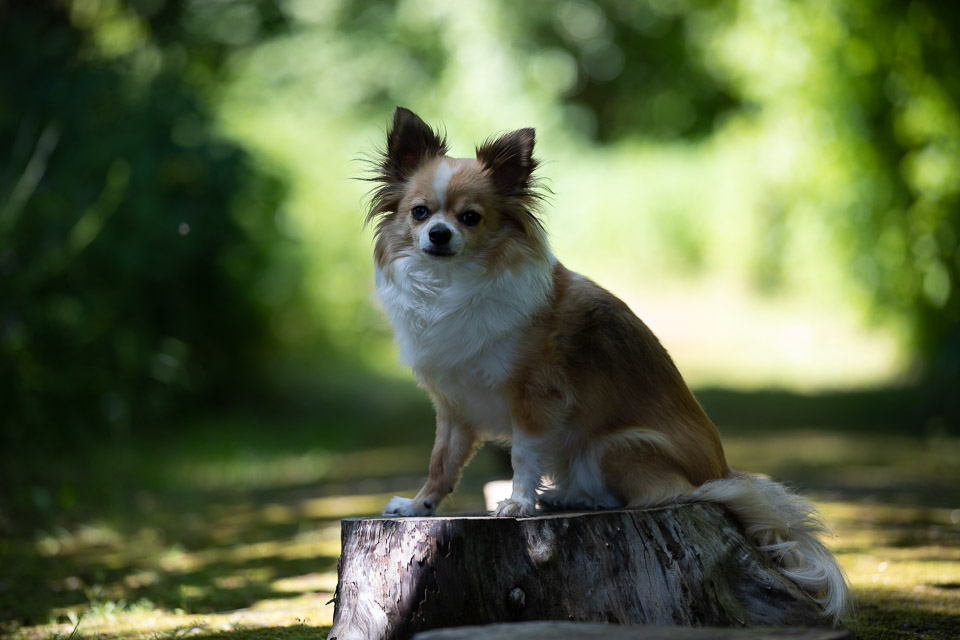
I show one way to edit a photo of a dog in the video below. It's my way of editing the photo. It is certainly not the only way. However, it can be a starting point for getting started yourself.
The end result of my edit is a photo with colours that are close to the original. You can adjust the colours if you want to use a different colour palette. There are presets and default settings that you can use as a starting point.
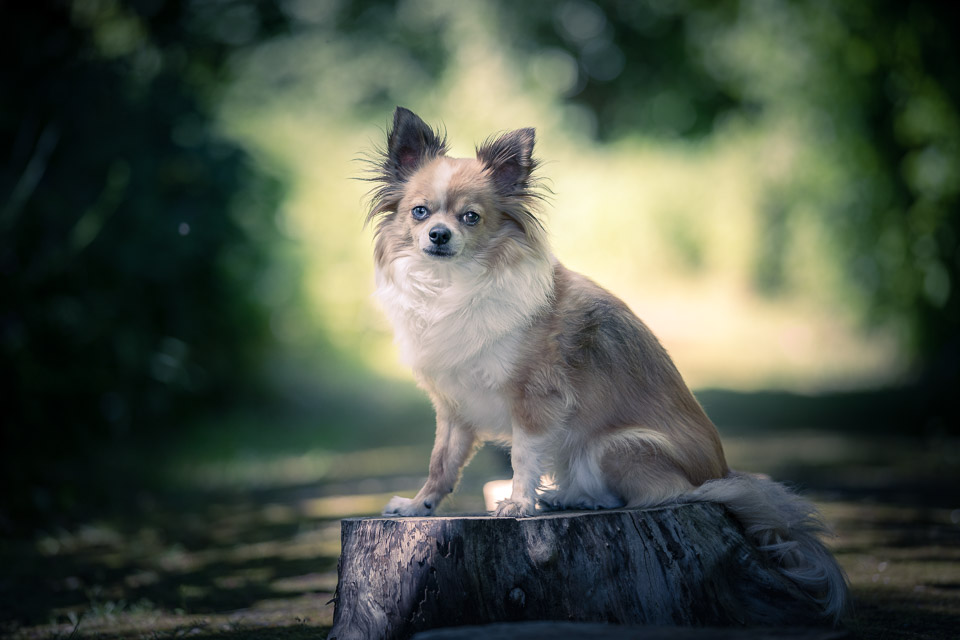
I would like to thank Rik Janssens for making the photo available. This photo and video have been published with his permission.
Watch the dog photography course
About the author
Nando Harmsen has been photographing for more than 40 years. He specialises in wedding photography and landscape photography. Nando also gives talks, workshops, masterclasses and photo trips, and regularly reviews new and interesting equipment.
You might also like
-
 5 tips to work faster in Lightroom Classic
by Thijs Schouten
-
 Presets in Lightroom Classic
by Nando Harmsen
-
 5 Tips for Managing Photos in Lightroom Classic (and Other Software)
by Nando Harmsen
-
 What is the Comments tab in Lightroom Classic for?
by Nando Harmsen
-
 Automate your Lightroom Classic imports
by Nando Harmsen

0 comments
Be the first to share what you think!
Have your say
Please note: Articles older than a week can only be commented on by signed-in visitors.Would you still like to comment? sign in or create a free account.
Become a better photographer every week
A practical photography tip in your inbox every week.
38,938 photography enthusiasts already receive the tips! More about the weekly mail. Or keep up to date via  Facebook.

Elja Trum
Photofacts; everything to do with photography!
Would you like to take better photos and keep up with what is happening in photography? Photofacts publishes articles that teach you something about photography — from a product announcement to a practical shooting tip or a look at a website. Photofacts covers photography every day and is a hobby project of Elja Trum's that got out of hand. The articles are written by a team of volunteer authors. If you would enjoy writing one or more articles for Photofacts, do get in touch.More about PhotofactsPhotofacts is made possible in part by
