

Combine star trails in Photoshop with an action
Wednesday 28 December 2022, 22:11 by Nando Harmsen | 3,497 views | 0 commentsThis article was translated from Dutch with the help of AI. Read the original.
Photographing star trails is fun. The results can be quite special. You can easily combine them with free software.
If you want to do this in Photoshop, an action can save you a lot of work. It is very easy to do. I explain it in a short video.
Have you ever photographed star trails? Then you know that combining all those photos can be quite a lot of work when you do it manually. Fortunately, there is software for this, often completely free, that can do it for you. StarStaX is one such programme.
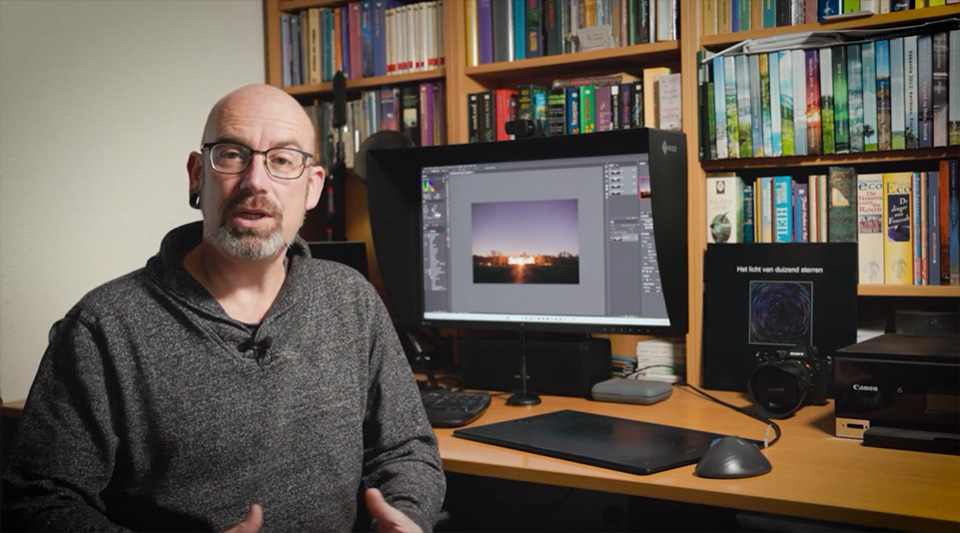
If you want complete control over combining them, you can also do it in Photoshop. If necessary, in combination with Lightroom Classic. You do not have to do this manually. You can automate it with an action. It is not particularly difficult to create this action.
Once you have created the action, which is essentially recording the steps you need to take in Photoshop, you can do this at the press of a button. It does not matter whether you have 10 photos for your star trails, or 1,000 photos.
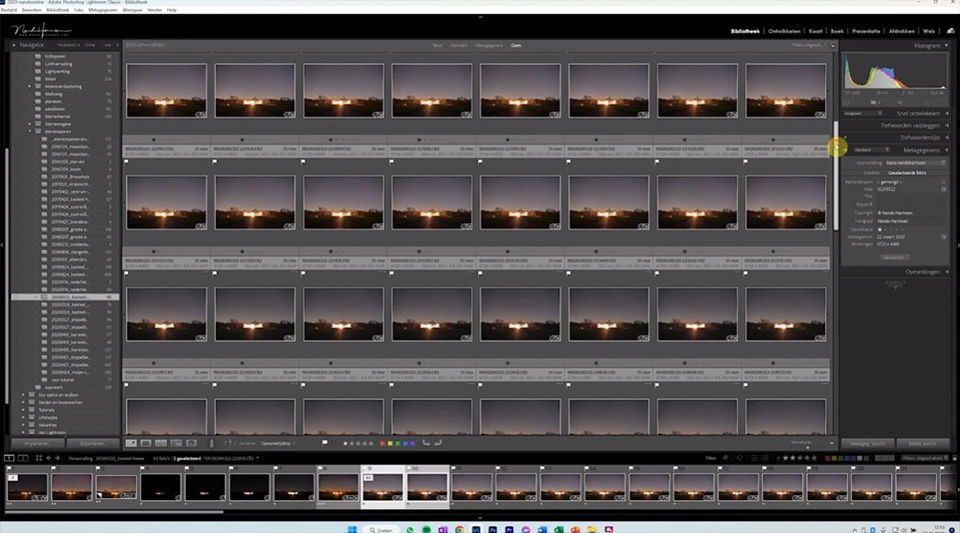
The trick is not to load all the photos as layers in Photoshop. That can become difficult. This method uses a great deal of memory and processing power.
You could do it in stages, each time with 10 or 20 photos. But why not combine everything in a single action?
By merging the layers after each photo you stack, you work with no more than two layers at the same time. This means you can do it with a relatively basic computer. You do not need a huge amount of memory or a super-fast computer.
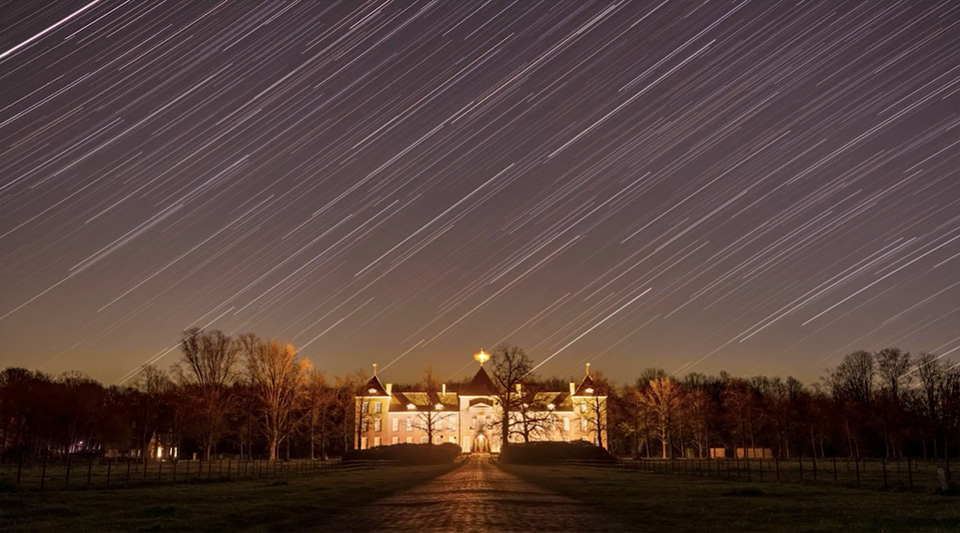
If you work from Lightroom Classic, it is also useful that the final result from Photoshop is loaded directly into Lightroom Classic. This means you can simply include it in your workflow. It makes combining star trails even easier.
About the author
Nando Harmsen has been photographing for more than 40 years. He specialises in wedding photography and landscape photography. Nando also gives talks, workshops, masterclasses and photo trips, and regularly reviews new and interesting equipment.
You might also like
-
 6 Tips for Creating Star Trails
by Nando Harmsen
-
 Does Lightroom make Photoshop redundant?
by Nando Harmsen
-
 Create your own reusable photo frame in Photoshop
by Nando Harmsen
-
The 6 most important new options for photographers in Photoshop 2020
by Nando Harmsen
-
 Having trouble with Photoshop's new 'Save As'? Change your shortcut
by Nando Harmsen

0 comments
Be the first to share what you think!
Have your say
Please note: Articles older than a week can only be commented on by signed-in visitors.Would you still like to comment? sign in or create a free account.
Become a better photographer every week
A practical photography tip in your inbox every week.
38,937 photography enthusiasts already receive the tips! More about the weekly mail. Or keep up to date via  Facebook.

Elja Trum
Photofacts; everything to do with photography!
Would you like to take better photos and keep up with what is happening in photography? Photofacts publishes articles that teach you something about photography — from a product announcement to a practical shooting tip or a look at a website. Photofacts covers photography every day and is a hobby project of Elja Trum's that got out of hand. The articles are written by a team of volunteer authors. If you would enjoy writing one or more articles for Photofacts, do get in touch.More about PhotofactsPhotofacts is made possible in part by
