

Do you chimp?
Sunday 15 December 2024, 15:15 by Nando Harmsen | 2,826 views | 13 commentsThis article was translated from Dutch with the help of AI. Read the original.
You take a photo. Then you immediately look at your camera's LCD screen to check whether it is as you wanted. If not? Delete. This is chimping, a habit that arose with digital photography. Are you guilty of it?
Chimping sounds as if it is something bad, but of course it is not. Looking back at the photo on the LCD screen can, and often does, serve a useful purpose. However, it can also become a bad habit.
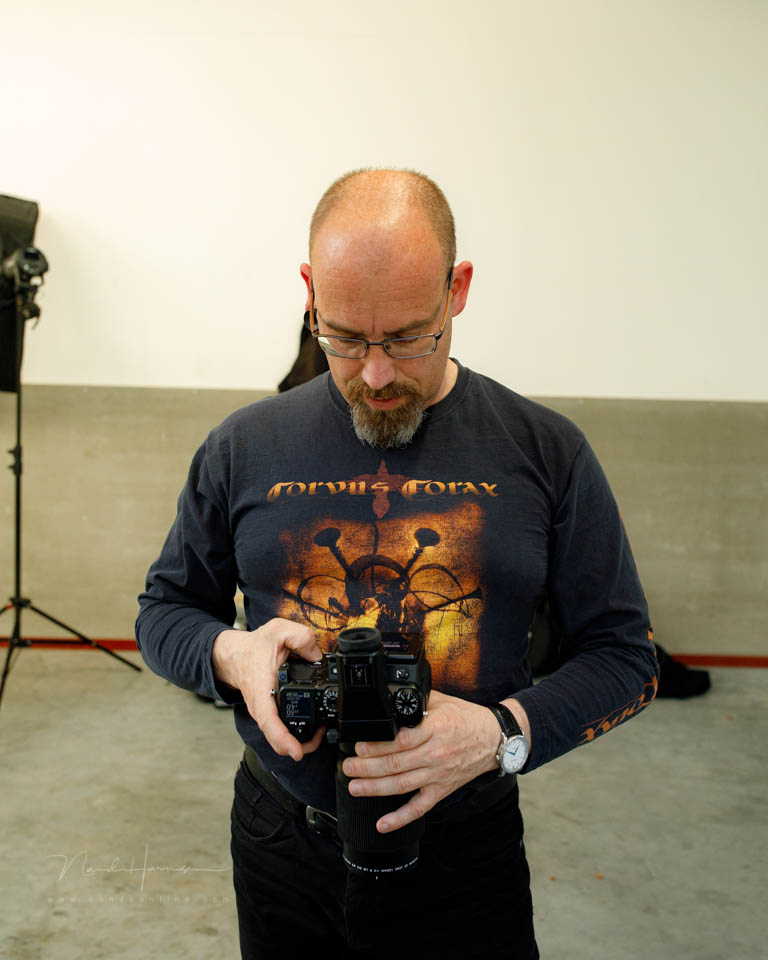
The exposure, focus and composition can be assessed on the LCD screen. It gives you the chance to correct yourself if necessary. I think this is a good habit, as long as you do not spend too much time on it.
I sometimes see photographers studying the photo on the LCD screen in great detail. They zoom in and look at every corner. If several photos have been taken one after another, it can even turn into a selection process.
They then browse back and forth, zoomed in or not. This continues until they have decided which photos are the best. The 'failed' ones are often deleted straight away.
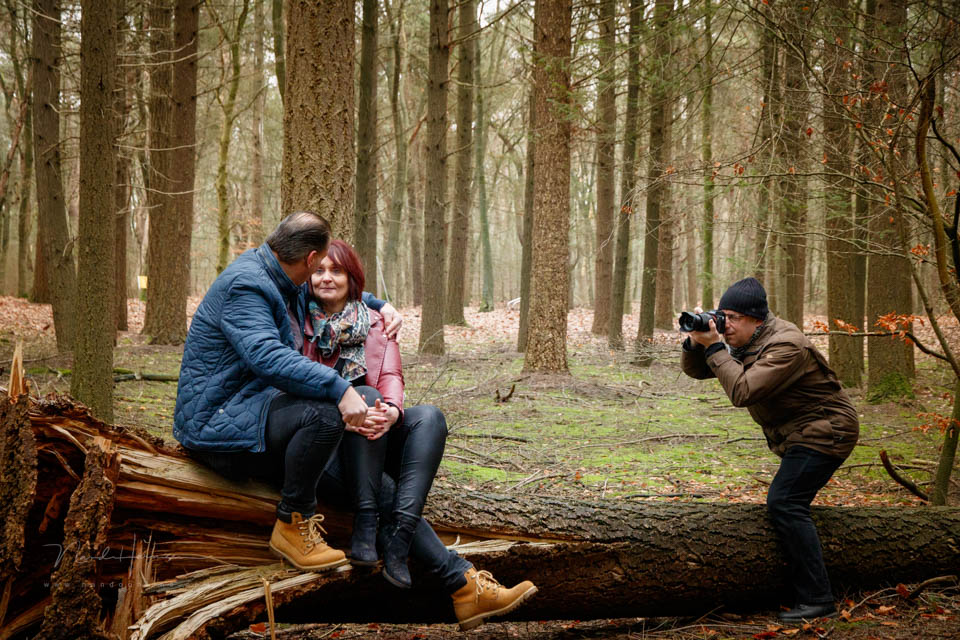
Bear in mind that in the time it took you to read the text above, all sorts of things happened around you. Because your attention was on the text, you hardly noticed them. The same happens when you chimp.
Chimping has the disadvantage that you are shut off from your surroundings. When photographing people, you lose contact with them. With action photography, you may miss precious moments.
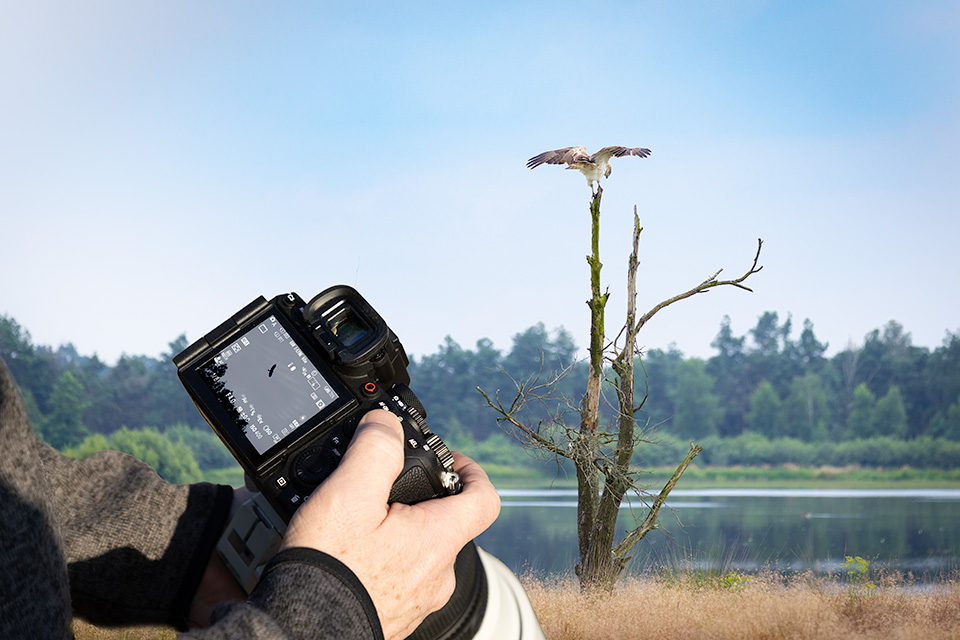
It is good to look back briefly. I always recommend doing that. Is your exposure right, does the photo look sharp, or do you like the composition? You still have a chance to correct things or adjust the settings.
However, do not go through your photos to look at and assess them in detail. Above all, do not delete anything because you do not like it, as that is a waste of time and energy. Besides, a small screen is anything but suitable for that purpose.
Do not delete photos if they are really out of focus, were taken accidentally, or if the exposure is completely wrong. Unless you are really running out of space on your memory card, it is better to do that at home. At your leisure, with the photos on a large screen.
Do you chimp? Do you delete failed photos on location? Ask yourself what added value that has and why you would not do it at home.
Let us know what you think in a comment below this post.
About the author
Nando Harmsen has been photographing for more than 40 years. He specialises in wedding photography and landscape photography. Nando also gives talks, workshops, masterclasses and photo trips, and regularly reviews new and interesting equipment.
You might also like
-
 Do you have a mirrorless camera? Watch out for lasers
by Nando Harmsen
-
 Delete separate photos for HDR and panoramas, or not?
by Nando Harmsen
-
 Do you look at your failed photos? Or delete them straight away?
by Nando Harmsen
-
 Don't Be Afraid of the Failed Photo
by Nando Harmsen
-
 Landscape photography tip: Don't be afraid to delete
by Nando Harmsen
-
 How to check your resolution for a maximum print?
by Michelle Peeters
13 comments
-
 Mac wrote on Tuesday 17 December 2024 at 08:28 | reply
I throw away a lot of photos on location. But that’s also because I photograph a lot of dance events where the light constantly changes, and the people move very quickly.
Translated from Dutch.
And when there’s a break between two competitions, I do want to quickly go through the photos and throw away everything that’s really not in focus.
if in doubt whether it is in focus or not, I’ll see that at home. -
 Martin wrote on Tuesday 17 December 2024 at 11:50 | reply
On location I actually only check the sharpness (and then only if the situation allows it) and sometimes the exposure. I don't throw anything away at that moment. The result is that I come home with a memory card full of junk. I used to be a programmer and wrote a little program that "calculates" the sharpness of the photos. Photos with too large a deviation are automatically deleted from my hard drive.
Translated from Dutch. -
 BeVe46 wrote on Tuesday 17 December 2024 at 11:58 | reply
Yet another strange word and a strange concept that, in my opinion, doesn’t hold up. Okay, you can get an impression of the composition and the colour on your LCD screen, but focus, sharpness, possible motion blur and details can only be assessed on a large monitor. I prefer copying everything to the PC and only then deleting it if it’s not good. The card in the camera is a very cheap backup.
Translated from Dutch. -
 Vercauteren Freddy wrote on Tuesday 17 December 2024 at 13:42 | reply
Never heard of this word. No, I never delete shots on location and certainly not after I once read that the battery drains faster if you delete photos in the camera. Besides, you can see shots best on a monitor anyway. But be strict with yourself and after checking on your monitor, only keep what you think is ok.
Translated from Dutch. -
 Donald Willemsen wrote on Tuesday 17 December 2024 at 14:07 | reply
I almost never review a photo immediately after taking it. I can see from the histogram in the viewfinder whether the exposure is right. The composition is not immediately of the greatest importance yet, because I usually shoot a bit wider so that I still have some room for (perspective) corrections in post-processing.
Translated from Dutch. -
 Jan Willem wrote on Tuesday 17 December 2024 at 15:19 | reply
I always look at my photos on the big screen, only then do I see whether the photo can be deleted or not. Just squinting at that small screen isn't going to work. Sometimes I forget to bring my reading glasses, then I never delete a photo in advance. On the big screen, you really see everything.
Translated from Dutch. -
 Ruud van de Steeg wrote on Tuesday 17 December 2024 at 16:27 | reply
in many cases I photograph as if shooting analog. not looking back, photographing using the viewfinder, this keeps me focused and calm.. gives a wonderful suspense of the moment of viewing.
Translated from Dutch.
small advantage: saves battery, but certainly not really important. -

-
Ruud van de Steeg wrote on Tuesday 17 December 2024 at 16:40 | reply
that's right, I have photographed with Fuji X since 2012 (mirrorless), now with the old trusted mirror, in some cases returned,, thanks for the response
Translated from Dutch. -
 Gina Heynze wrote on Tuesday 17 December 2024 at 18:13 | reply
I have learned that deleting photos in your camera isn't that good for your memory card.
Translated from Dutch. -

 Elja Trum
wrote on Tuesday 17 December 2024 at 20:04
| reply
Elja Trum
wrote on Tuesday 17 December 2024 at 20:04
| reply
I've never heard that before. In theory I can imagine it, if you're talking about millions of deleted photos that all cause extra disk activity. In practice, I don't think it's ever a problem.
Translated from Dutch.
By the way, I almost always leave my photos there until I have them in Lightroom too. Except if the model isn't happy with the photo or if it's completely black, for example. -
BeVe64 wrote on Tuesday 17 December 2024 at 21:28 | reply
I also wouldn't know what the problem is supposed to be. It's just a file management system, just like on the computer. In the past, it was recommended to format the cards in the camera to make sure that the card at least had the camera's native format. But I doubt whether that is still the case. I use 64GB cards in my EOS 5Dmk4 myself and when it's full it goes in the safe and I grab a new one, because cost is no longer something you need to worry about.
Translated from Dutch. -
Nando
wrote on Wednesday 18 December 2024 at 09:20
| reply
Absolutely, formatting in the camera is better than on the computer. That way you know for sure that the file system is optimal for your camera.
Translated from Dutch.
It’s simple; take the card out and import to the computer via the card reader. Put the card back in the camera and format it to have it empty and ready for use.
Have your say
Please note: Articles older than a week can only be commented on by signed-in visitors.Would you still like to comment? sign in or create a free account.
Become a better photographer every week
A practical photography tip in your inbox every week.
38,901 photography enthusiasts already receive the tips! More about the weekly mail. Or keep up to date via  Facebook.

Elja Trum
Photofacts; everything to do with photography!
Would you like to take better photos and keep up with what is happening in photography? Photofacts publishes articles that teach you something about photography — from a product announcement to a practical shooting tip or a look at a website. Photofacts covers photography every day and is a hobby project of Elja Trum's that got out of hand. The articles are written by a team of volunteer authors. If you would enjoy writing one or more articles for Photofacts, do get in touch.More about PhotofactsPhotofacts is made possible in part by
