

Discover the EIZO ColorEdge CS3200X
Friday 20 November 2026, 16:08 by Nando Harmsen | 24 views | 0 commentsThis article was translated from Dutch with the help of AI. Read the original.
Are you looking for a large monitor? Do you also want impeccable quality? Then the EIZO ColorEdge CS3200X could be just what you need. We took a close look at the monitor.
EIZO has a very wide range of excellent monitors. This could be a friendly 24-inch monitor, or a huge 32-inch monitor. The ColorEdge CS3200X belongs to the latter.
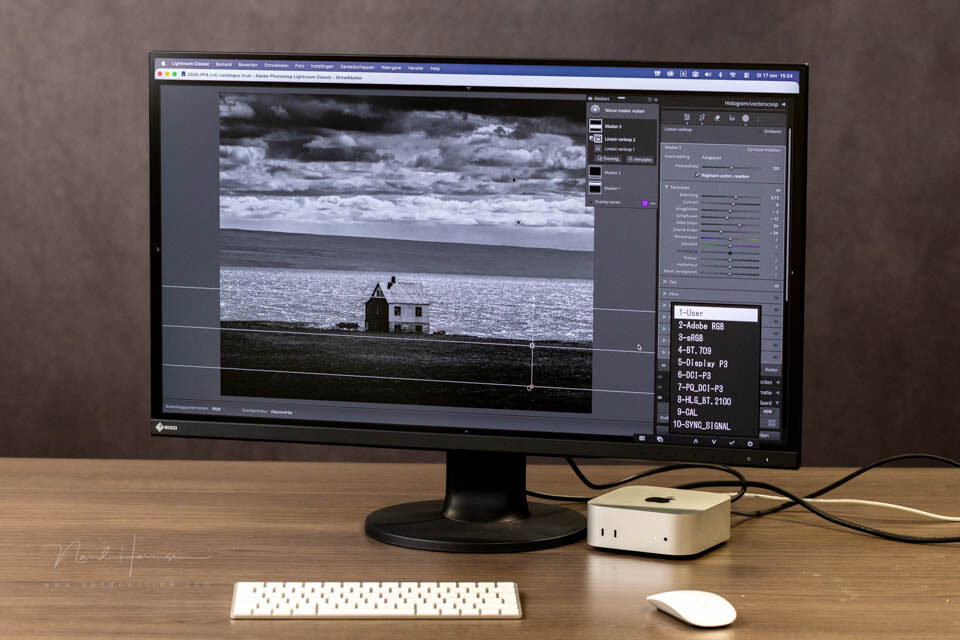
Recently, a review of the EIZO ColorEdge CG3100X was published. This 4K monitor is aimed at the professional market. The ColorEdge CS3200X, with the same 31.5-inch display diameter (80 cm), is in a more affordable price bracket.
That does not mean that the monitor, with a recommended retail price of 1809 euros, is very cheap. However, the monitor is perfect for photographers who demand excellent image quality without breaking the bank.
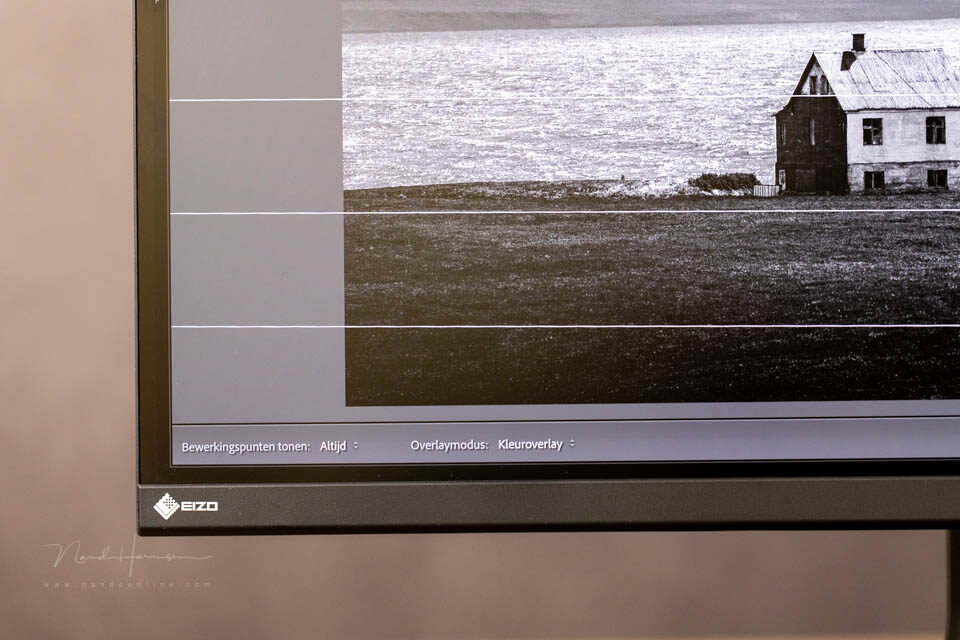
Specifications
Here is a selection of the ColorEdge CS3200X's specifications. For the full list of specifications, I recommend visiting the website.
- IPS (Wide Gamut) monitor with LED backlight
- Maximum viewing angle is 178 degrees
- 10-bit display with 1.07 billion colours
- Look-up table colour palette with 16-bit/278 trillion colour gradations
- Maximum colour space is 96% for DCI-P3, 99% for AdobeRGB and 100% for sRGB and Rec.709
- Maximum brightness is 350 cd/m3
- Contrast (darkroom contrast) is 1300:1
- KVM switch
- Hardware calibration of brightness, white point and gamma
- Digital Uniformity Equalizer
- USB-C (70 W power delivery), DisplayPort, HDMI
- 4x USB-A, of which 2x USB 3 and 2x USB 2
- Refresh rate of 23 - 61 Hz
- Standard power consumption 25 W (maximum 166 W, standby 0.5 W)
- Dimensions 712.7 x 431.5/573.2 x 245 mm and 10.6 kg
- 344-degree rotation, tiltable from 5 degrees forwards to 35 degrees backwards, 141.8 mm height adjustment
- Light-shield hood included
A large but slim monitor
It is tempting to compare the ColorEdge CS3200X with the previously mentioned ColorEdge CG3100X. The narrow bezels are the first thing you notice. This makes the monitor look less large.
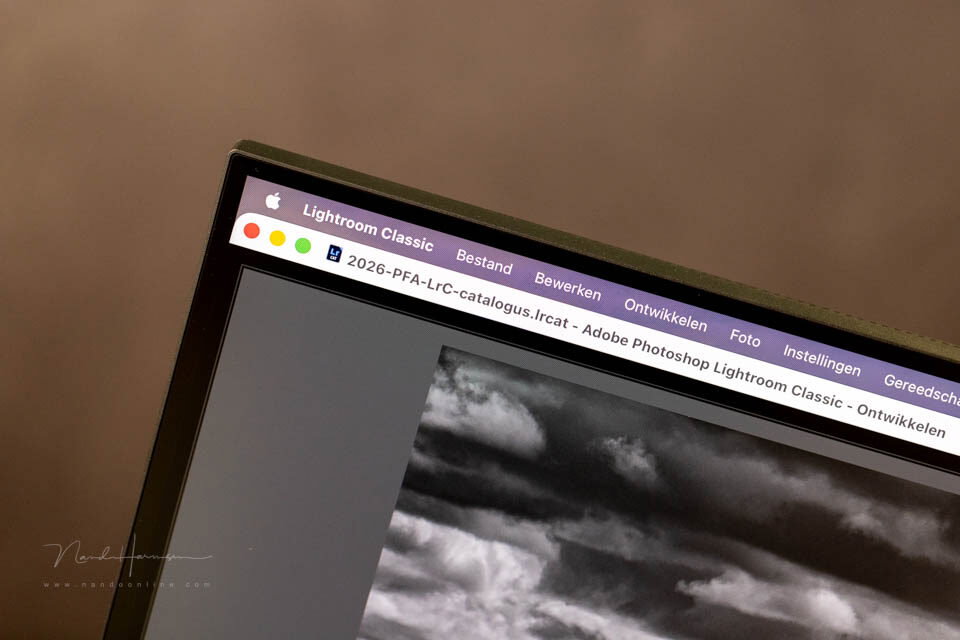
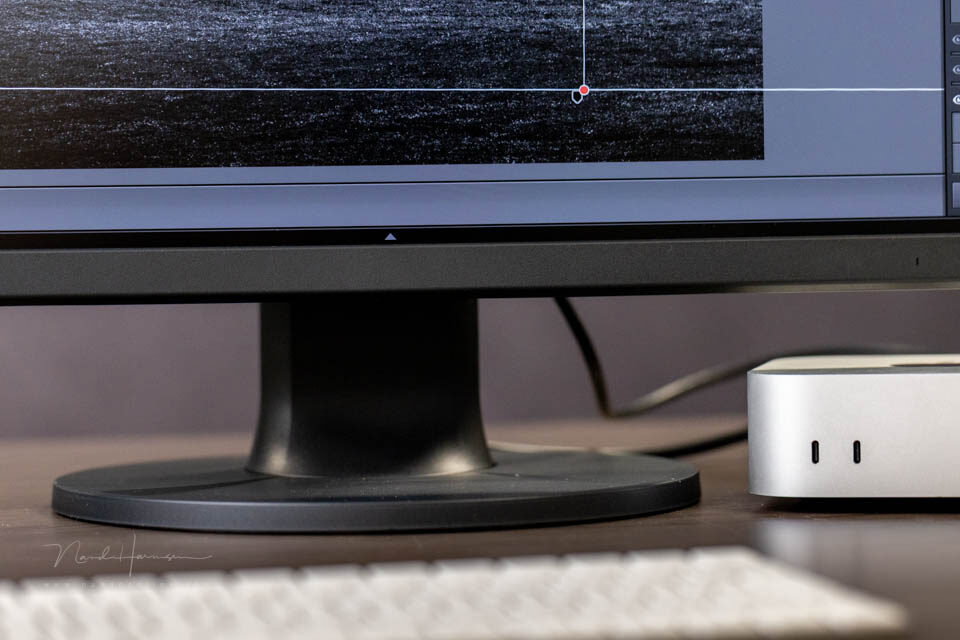
Narrow bezels give the monitor a slim appearance
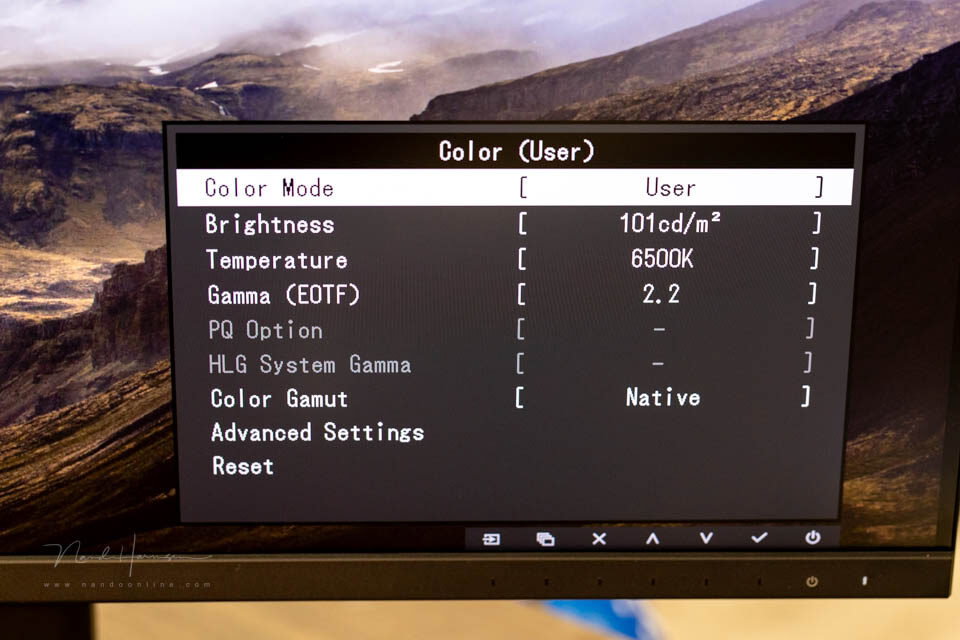
There is similar touch-button operation with the same menu structure. However, the touch buttons do not light up. Instead, you can feel the touch buttons.
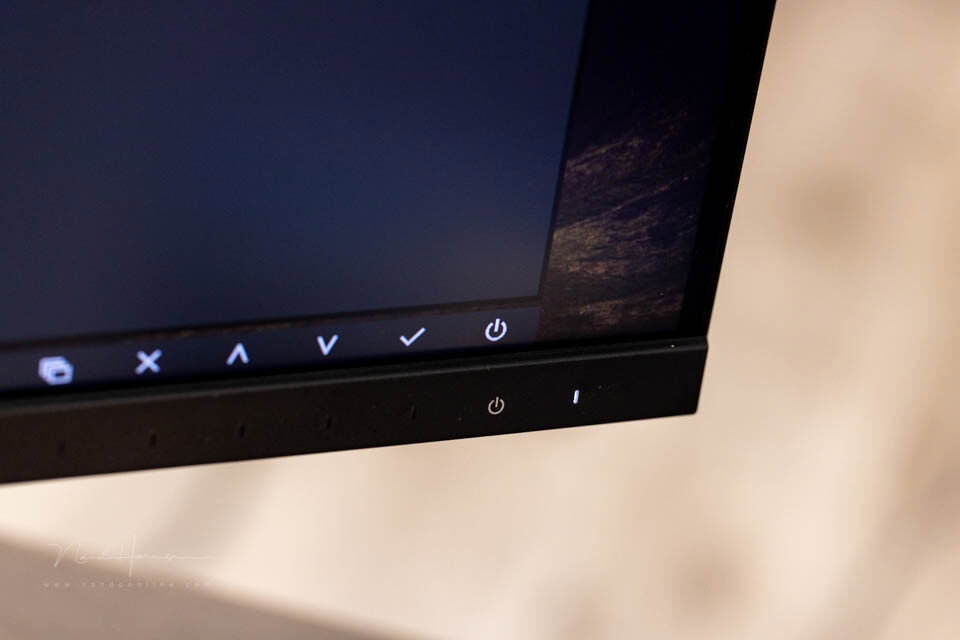
Menu controls. The touch buttons are underneath and can be felt.
The ColorEdge CS3200X has no built-in calibration sensor and there are no speakers. You do get the light-shield hood, which is attached magnetically.
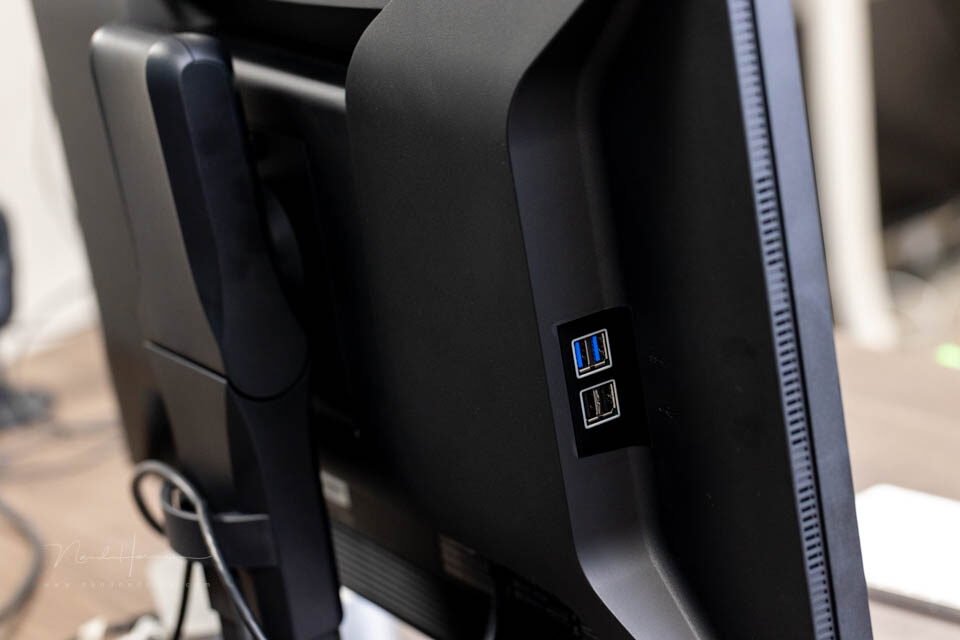
The USB-A connections on the side of the monitor
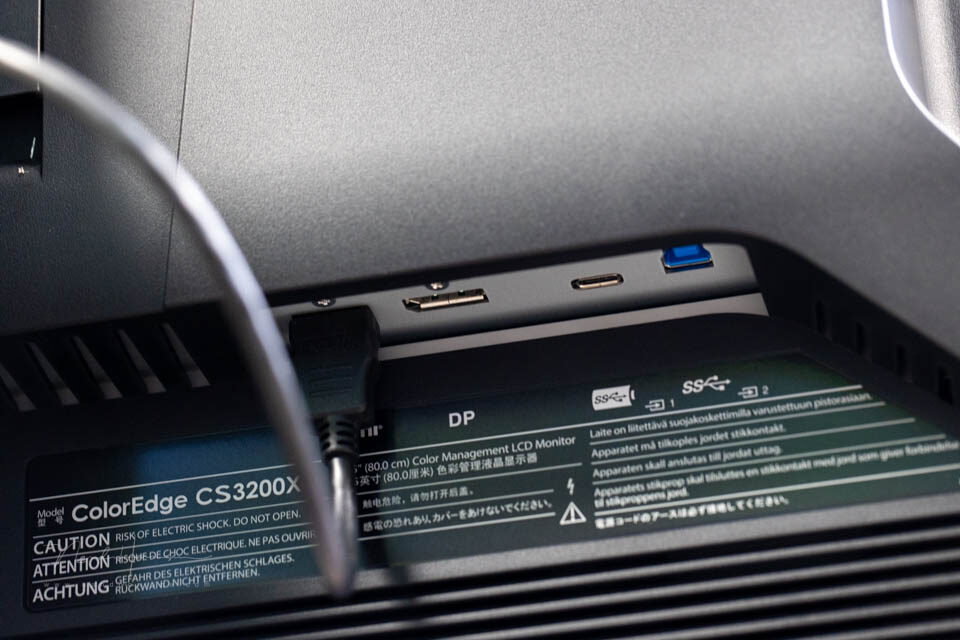
You get a large number of connection options. There is a DisplayPort, an HDMI, a USB-C and four USB-A connections. There are no additional USB-C connections.
KVM switch
The KVM switch is also available on this monitor. This does require some explanation. KVM stands for Keyboard Video Mouse.
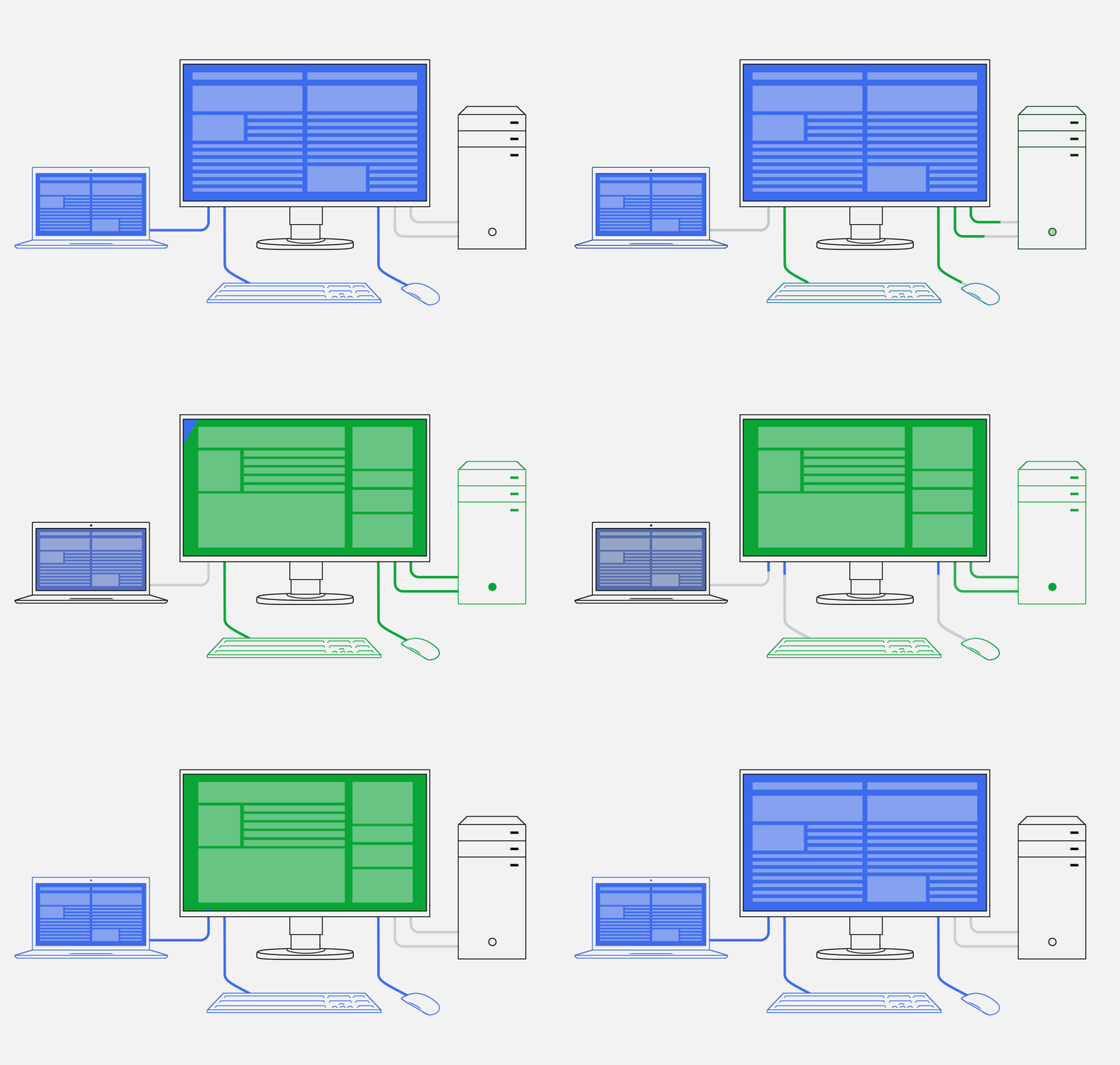
Schematic representation of the KVM switch (source: EIZO website)
This system allows you to connect two computers. The monitor automatically connects the mouse, keyboard, speakers, webcam and microphone to the active source computer.
Is this monitor suitable for you?
The EIZO ColorEdge CS3200X is a monitor where image quality comes first. It is also a monitor that can serve as a hub for your computer.
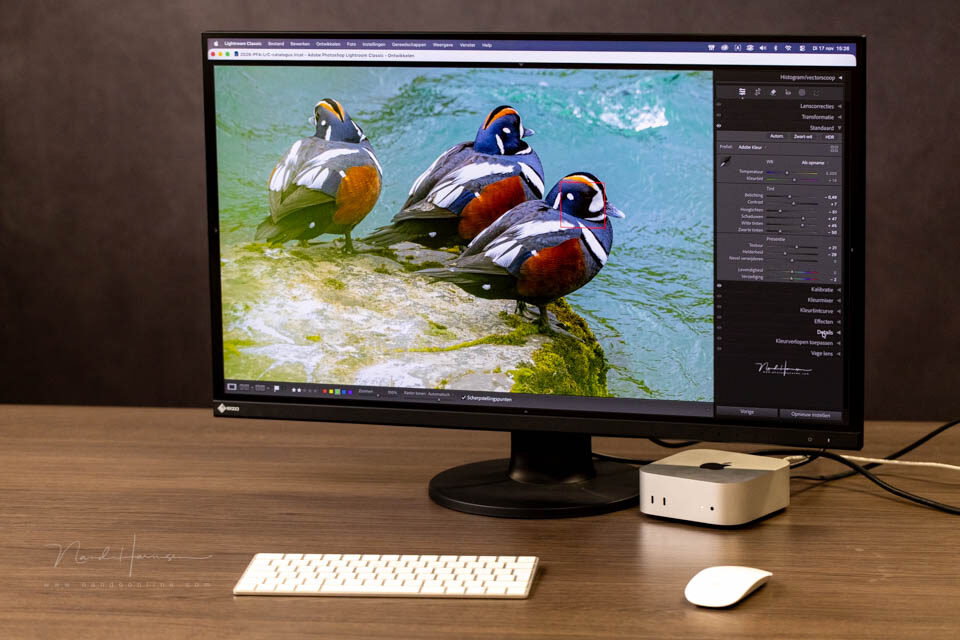
With the ColorEdge CS3200X, you have fewer cables on your desk. You can power a laptop and connect all your peripherals.
However, image quality is more important. Thanks to the Digital Uniformity Equalizer, you are assured of an even display across the entire screen.
This means that you can rely on the display of your photo or video being accurate. This is partly thanks to the factory calibration.
Are these things important to you? Do you want a monitor that will last for the next decade? Then it is certainly worth the investment.
It is important to realise how large this monitor is. The 31.5-inch display diameter (80 cm) is not suitable for every desk.
Do you have less space available? Then look at a smaller size. A good alternative is the EIZO ColorEdge CS2740. There are more options for smaller screen resolutions.
About the author
Nando Harmsen has been photographing for more than 40 years. He specialises in wedding photography and landscape photography. Nando also gives talks, workshops, masterclasses and photo trips, and regularly reviews new and interesting equipment.
You might also like
-
 Review of the Eizo ColorEdge CG3100X monitor
by Nando Harmsen
-
 Review: Eizo ColorEdge CS2731 monitor
by Nando Harmsen
-
 Review: Eizo CS2740 ColorEdge 4K monitor
by Elja Trum
-
 Review: Eizo ColorEdge CG 2700S monitor
by Nando Harmsen
-
 Review: Eizo ColorEdge CS2400S 24-inch monitor
by Nando Harmsen
-
 EIZO introduces two new 27-inch ColorEdge monitors
by Nando Harmsen
0 comments
Be the first to share what you think!
Become a better photographer every week
A practical photography tip in your inbox every week.
38,768 photography enthusiasts already receive the tips! More about the weekly mail. Or keep up to date via  Facebook.

Elja Trum
Photofacts; everything to do with photography!
Would you like to take better photos and keep up with what is happening in photography? Photofacts publishes articles that teach you something about photography — from a product announcement to a practical shooting tip or a look at a website. Photofacts covers photography every day and is a hobby project of Elja Trum's that got out of hand. The articles are written by a team of volunteer authors. If you would enjoy writing one or more articles for Photofacts, do get in touch.More about PhotofactsPhotofacts is made possible in part by
